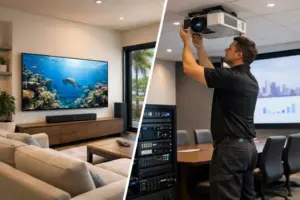
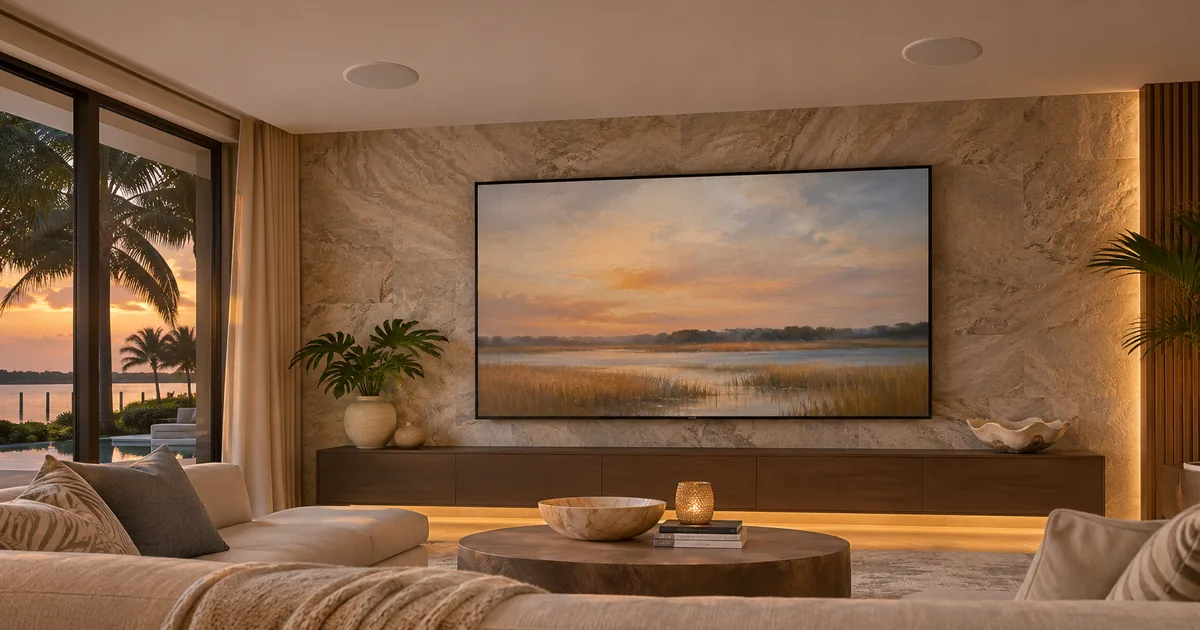
A centrally distributed video system sends a picture toward the television. When someone opens an app built into that television, the sound starts at the other end of the system. Unless the design includes a suitable return path, the picture can work perfectly while the room’s ceiling speakers remain silent.
For a new Control4 installation in Miami or Fort Lauderdale, resolve this before selecting the video matrix, extenders and audio equipment. Native TV apps and centrally located sources create different signal paths. The equipment schedule and programming need to account for the ones the household intends to use.
Choose where the apps will run
Start by listing the viewing services and how the family expects to access them. Will the household use the television’s built-in apps, an external player near the TV or a player in the central rack? A familiar service can be available in several places, but each location changes the connection requirements.
If built-in TV apps are part of the plan, say so in the proposal. Do not assume a distributed streaming player is an acceptable substitute without discussing it. The owner may prefer the television’s interface or may need a service that behaves differently on another device.
Conversely, a supported external player may simplify a particular design. Compare the actual experience and equipment consequences before deciding. The goal is an agreed source location, not a promise that every available app will be integrated identically.
Draw both directions of travel
For a central source, draw the route from the rack to the television and the route to the room’s speakers. Then make a separate drawing for an app running inside the television. That second drawing must begin at the TV and end at the intended audio equipment.
This reveals a common gap: a video extender that delivers the picture does not necessarily return TV-app audio. A cable present behind the television is also not proof of a usable return path. The selected ports, hardware features and connections must support the intended operation.
A simple signal-path schedule should name every device in both directions. It should distinguish the equipment that moves the audio from the Control4 driver that selects and controls it. Programming cannot create a physical connection that the installed hardware does not provide.
Verify ARC or eARC through the whole path
HDMI ARC and eARC provide audio-return functions between compatible equipment. HDMI’s published explanation describes eARC as a way to send television audio to an audio receiver or soundbar over the HDMI connection. That establishes the concept; it does not establish compatibility through every proposed matrix or extender.
Identify the TV’s actual ARC or eARC port, the receiving equipment and any intervening devices. Confirm whether the selected products support the required return function in that arrangement. A product’s ability to pass high-resolution video is not the same claim as support for audio return.
Where a separate extractor or return device is proposed, include its model, connection method and role. Do not hide essential hardware in a general cabling allowance. The installer should be able to explain how the sound reaches the amplifier without skipping a component.
Match the audio format to the room
A pair of ceiling speakers and a surround theater have different requirements. The design should identify the audio destination and the supported format at each stage. Any decoding, conversion or downmixing required by that path needs suitable equipment.
Do not promise a particular surround format based only on an eARC label. The TV, app, content, settings, return hardware and receiving device all participate. Verify the intended combination using the selected equipment and current manufacturer information.
For a stereo room, confirm how multichannel content will become the intended two-channel signal where necessary. For a theater, confirm what the processor actually receives. These are separate acceptance questions from whether sound can be heard at all.
Tell Control4 which activity is happening
The Control4 interface should make the chosen TV-app activity understandable. Starting that activity may require powering equipment, selecting the correct audio input and directing volume commands to the appropriate amplifier or receiver. The exact actions depend on the supported drivers and design.
The household should not need to guess whether the TV speakers or ceiling speakers currently own volume. Decide how the TV’s internal speakers are handled and test that behavior. If native TV menus still require the television’s own controls, identify that remaining manual step.
Changing back to a central source deserves equal attention. Confirm that the system leaves the return-audio activity and restores the correct audio route. A design is incomplete if one activity works only after someone manually repairs the input selection.
Consider the rooms that share equipment
If several televisions can return audio to central equipment, document how each room is identified and selected. A working path for one display does not prove that all rooms have independent access or enough available inputs.
Review a realistic simultaneous-use example. One person might use a native app in the family room while someone else watches a central source in another room. The equipment and configuration should support the agreed combination without taking over the wrong speakers.
Keep this exercise focused on source and return routing. Broader room grouping and lip-sync behavior may need separate design work, but they should not obscure whether the basic audio path exists.
Test from the TV app, not just the rack
At commissioning, start the agreed native app from the room’s normal resting state. Confirm picture, sound, volume, mute and the transition to another activity. Verify any promised audio format at the receiving equipment rather than inferring it from a logo on the screen.
Sentry Audio Video can specify the return path as part of Control4 installation and programming. Call (305) 502-0003 for Miami or (954) 859-6475 for Fort Lauderdale. Bring the proposed TV models and speaker locations; see our whole-house video planning page for the wider distribution scope.
Manufacturer and technical references
Technical references reviewed November 19, 2026. Confirm the exact equipment, software and licensing requirements for your project before ordering.
From our Google reviews
“They recently installed a Control4 system at both my home and my workplace, and the entire experience was flawless from start to finish.”
Control4 installation — home and workplace
Google review excerpt