A smart-home interface can feel right on move-in day and still need changes as the household settles in. A room may be renamed, a new source added or a routine simplified. Before buying a Crestron system, ask which of those changes the homeowner can make, which require a dealer and which depend on a custom programming project.
For a Fort Lauderdale or Miami Beach residence, the answer should be part of the original scope. Crestron Home and a custom-programmed Crestron installation can provide different routes to later changes. Neither label, by itself, explains the future service arrangement.
Describe the change you expect to make
“Can we customize it?” is too broad to settle the question. Instead, list realistic examples. Perhaps the family wants to adjust a lighting scene, change a favorite source or rename a room. A different request might involve adding a new screen layout, creating a unique workflow or changing how several devices coordinate.
Those requests can involve different permissions and tools. An owner-facing scene adjustment is not equivalent to modifying the underlying integration. A change to a visible label may also affect other parts of a project if the design uses that label in several places.
Review the examples before approving the system. This lets the dealer explain the actual maintenance workflow rather than promising unrestricted customization that the chosen architecture does not provide.
Understand the configuration-driven approach
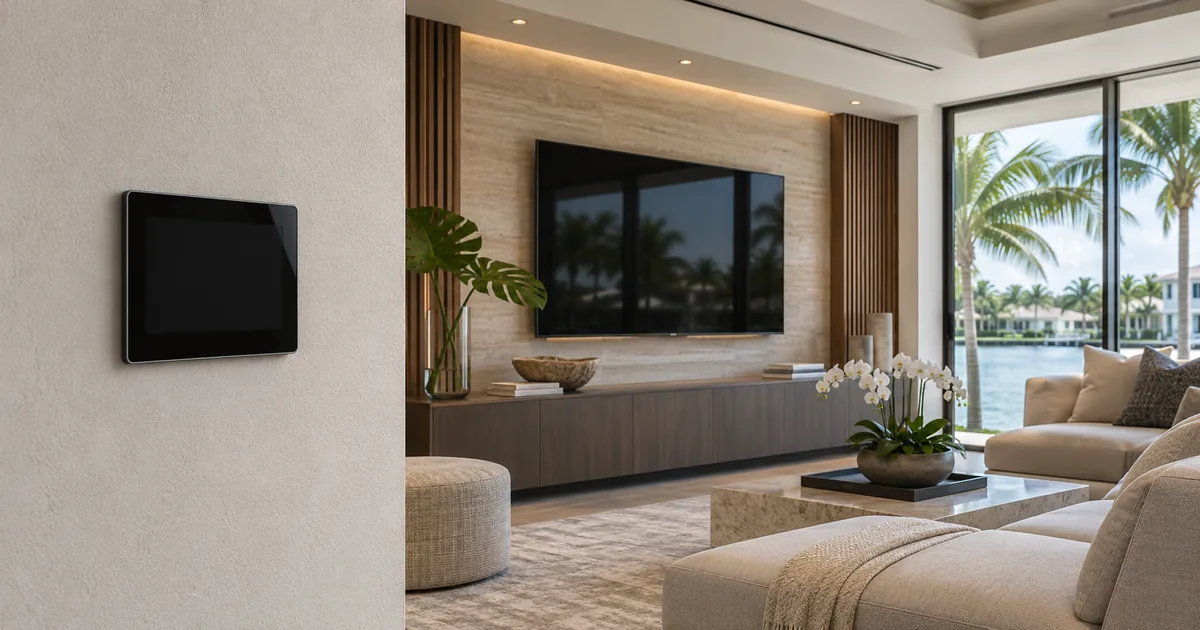
Crestron Home provides a defined interface whose content is populated through the system’s configuration. Manufacturer documentation also describes homeowner customization for supported functions. This creates a useful distinction between changes available through owner controls and changes made in the setup environment.
Ask for a demonstration of the specific owner actions included in the proposed system. Do not assume every configuration option is exposed in the homeowner interface or that an owner can redesign the application simply because some scenes can be adjusted.
The dealer should also explain which additions can be configured within the supported platform. A request outside those boundaries may require a different approach, an extension where supported, or a revised project scope. The answer depends on the actual integration rather than the appearance of the home screen alone.
Understand what custom programming adds to the handover
A custom-programmed installation may include project-specific logic and interface work. When a later change is requested, someone needs the appropriate project materials, compatible tools and enough understanding of the installation to make and test that change.
The important purchasing question is how those materials and responsibilities will be handled. Ask which files will be retained, what the homeowner will receive and how a future service provider can obtain the information needed to assess the system.
Do not assume that paying for an installation automatically settles ownership, transfer rights or the delivery of every source file. Those details belong in the agreement. Likewise, having a backup file does not establish that another programmer can immediately complete an unfamiliar change without assessment.
Separate access from the ability to edit
An owner account, a setup credential and a programming project are different things. Knowing how to open the system does not necessarily provide the materials or permissions needed to change its behavior. The proposal should distinguish them rather than using “full access” without explanation.
Agree on how credentials will be stored and transferred securely. The homeowner should know who controls the relevant accounts and whom to contact if the service relationship changes. Avoid including sensitive credentials in a widely circulated equipment schedule.
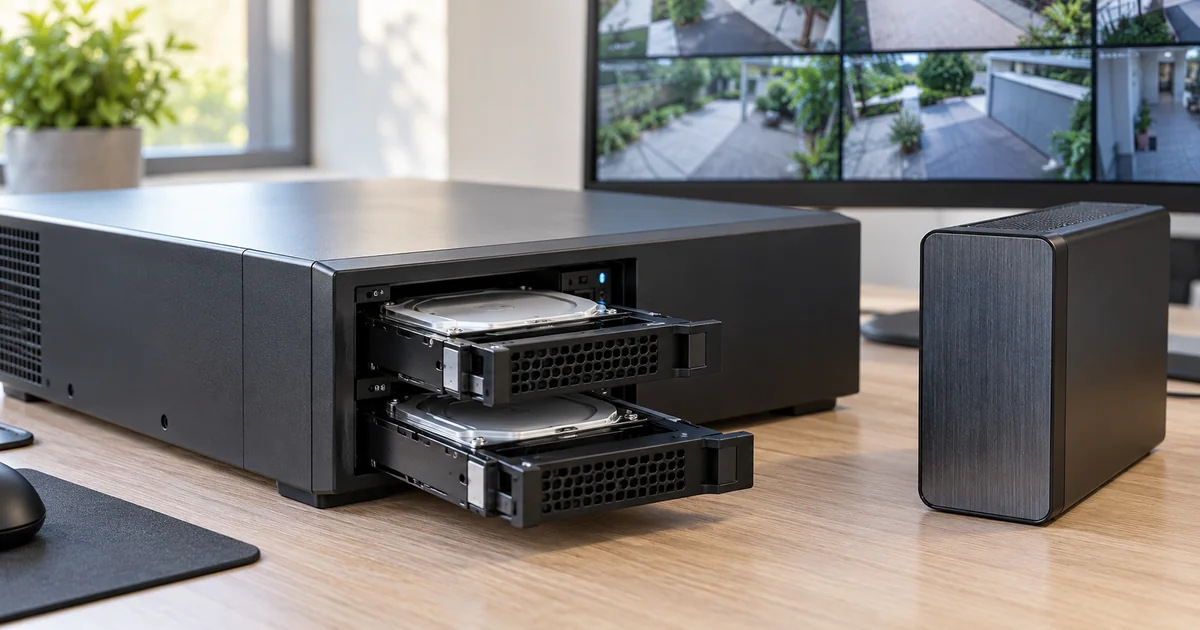
Also ask what happens after a hardware failure. A documented recovery process should identify available backups, their dates and any additional information needed to restore the supported configuration. The existence of a backup is most useful when someone has confirmed what it contains.
Price future changes against defined examples
Request an explanation of how later service will be quoted. A simple scene adjustment, a new equipment integration and an interface redesign should not be treated as interchangeable requests. Each may need a different amount of discovery, programming and testing.
You do not need an invented fixed price for every possible future change. You do need to know the process: who assesses the request, how scope is approved, whether remote service is possible and when a site visit is necessary.
If a support agreement is offered, read what it includes. Routine assistance may differ from new programming or equipment replacement. Clear boundaries help the homeowner compare ongoing support without assuming an unlimited redesign service is part of the initial installation.
Choose the architecture around the household
A family that wants a consistent interface and a supported set of owner adjustments may value a different arrangement from an owner seeking a highly specific interface. The right choice depends on the requested experience, the supported equipment and the long-term service plan.
Ask the dealer to show how the most important daily tasks will look, then explain the workflow for changing them later. Keep this discussion focused on actual household requests. A demonstration of an elaborate custom feature does not prove that the family needs to own and maintain it.
Where custom elements are proposed, identify why they are needed and who will support them. Where the standard configuration meets the requirement, document that decision as clearly as a custom feature.
Make the handover practical
At completion, review a short change-and-support sheet. It should distinguish owner adjustments from dealer work, identify the relevant accounts and describe where project records are retained. Include the installed equipment and software information needed for future assessment.
Sentry Audio Video can review these choices during Crestron installation and programming planning. Call (954) 859-6475 for Fort Lauderdale or (305) 502-0003 for Miami Beach. For an inherited system, start with our Crestron service and takeover path so the existing project can be assessed before future changes are promised.
Manufacturer and technical references
Technical references reviewed November 19, 2026. Confirm the exact equipment, software and licensing requirements for your project before ordering.