
Should the lights come on when someone enters, or should the person press a button first? That decision is the starting point for selecting occupancy or vacancy control. The right answer depends on how the room is used, how occupants expect to interact with it and which Lutron system is installed.
Buying a sensor before deciding the room’s behavior can create a frustrating result: lights switching on during a presentation, or switching off while someone sits quietly. Begin with the desired experience, then select and commission a compatible product to support it.
Occupancy and vacancy describe different starting behaviors
In the common distinction, occupancy control can turn lighting on automatically when occupancy is detected and off after the configured vacancy period. Vacancy control uses manual-on operation with automatic-off behavior. Lutron lists both adjustable occupancy/vacancy products and vacancy-only variants in its Radio Powr Savr range.
That is a product-family example, not a statement that every Lutron sensor works with every processor or dimmer. The exact model and supported settings need to be checked against the installed system and current documentation.
Walk through the room’s ordinary routines
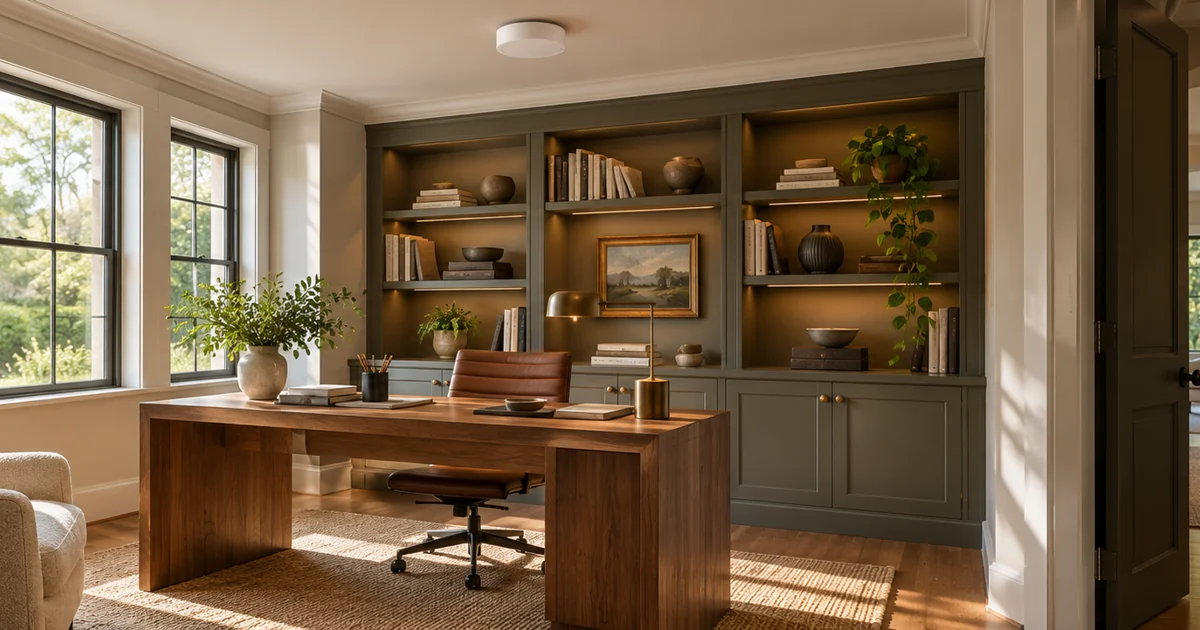
For a home office, ask whether the room is occupied by someone who remains relatively still for long periods. In a media room, determine whether automatic-on behavior would interrupt viewing. In a utility space, hands-free entry may be useful. For a bedroom, discuss nighttime behavior and whether a light should ever start automatically.
These are design questions, not universal recommendations by room name. Two rooms used as offices can need different settings. A household member’s mobility, preference for manual control and tolerance for unexpected lighting should be part of the conversation.
- What should happen on entry, including after dark?
- What should happen when someone turns the light off manually?
- How long might a person remain seated or still?
- Should a keypad scene or another control override the normal behavior?
- Which loads are included, and which should remain independent?
Verify compatibility before selecting a sensor
Document the Lutron processor or standalone control, device model, sensor model and communication method. Ask which product documentation establishes compatibility and whether the desired operating mode is available in that configuration. A wireless sensor still needs a compatible receiving system; “wireless” does not mean it can be added to any existing light switch.
Distinguish a sensor’s product capability from the commissioned room behavior. Where several sensors serve the same room, their settings and combined operation need a coordinated design. Lutron’s system-specific support guidance illustrates that mixed automatic-on settings can affect which behavior occurs first.
Placement and settings need an in-room test
A drawing can identify a proposed location, but commissioning should verify the actual space. Furniture, partitions and typical seated positions may affect detection. Use the manufacturer’s placement guidance, then test the movements and still periods that matter to the occupants.
The proposal should include setup and adjustment responsibilities. Ask how timeout, sensitivity and any supported light-level behavior will be selected and documented. Avoid choosing settings only to make a quick walk-through look successful; the room needs to work during normal use.
Agree on acceptance before the visit ends
- Enter the empty room and verify automatic-on or manual-on behavior as agreed.
- Use the manual control and check what happens while the room remains occupied.
- Sit in the usual working or viewing positions for the intended test period.
- Leave and confirm the expected automatic-off behavior.
- Test relevant scenes and any additional sensors serving the room.
- Record the selected settings and explain routine manual operation.
Where an existing installation needs electrical alterations, have the responsible qualified trade establish that scope. Product selection here is not a code-compliance determination. Any applicable project requirements should be checked separately for the actual property.
Use a room decision sheet before the lighting order
For a renovation, a short room decision sheet can prevent a sensor purchase from getting ahead of the lighting design. Give each proposed room its own row: entry behavior, manual control, still-occupancy expectation, lights included and the person who will approve the result. A utility room used while carrying laundry and a study used for quiet reading should not inherit the same settings solely because the same sensor is available.
Consider a study where someone sits at a desk, occasionally leaves for a short conversation and returns with their hands full. Ask the homeowner which of those events should change the lights. Then have the designer explain what the selected equipment can actually support. If the owner wants a behavior the proposed sensor cannot provide reliably, identify that issue before ordering identical devices for the rest of the house.
For an existing Lutron takeover, preserve the current room behavior as a reference before changing it. Ask whether the complaint is about automatic-on operation, unexpected switch-off or the location of detection. Those problems can lead to different work. Record any settings changed during testing so an unsuccessful trial can be understood and the agreed configuration restored by the responsible integrator.
The quotation should identify the rooms included, compatible equipment, mounting work, programming and the review of ordinary use after commissioning. Where decisions remain open, mark them as pending instead of treating a generic sensor allowance as an approved room design. This gives a new-system buyer and an existing-system owner the same useful protection: an installation planned around a defined daily routine.
Order a room behavior, not just a sensor
A useful quotation names the supported sensor, receiving control, required installation work, programming and acceptance test. It also explains any limitation that prevents the requested behavior. That gives the homeowner a decision they can evaluate before purchasing equipment.
Sentry Audio Video can incorporate sensor decisions into Lutron lighting design and installation for South Florida homes. Request a lighting-control assessment or call (561) 717-3280 with the installed system and the rooms you want to improve.
Technical references
Reviewed October 30, 2026: Lutron’s Radio Powr Savr overview, model list and Athena sensor-setting FAQ. Verify the documentation for the homeowner’s actual system.
Featured image: AI-generated illustration, not a photograph of a Sentry Audio Video project.