
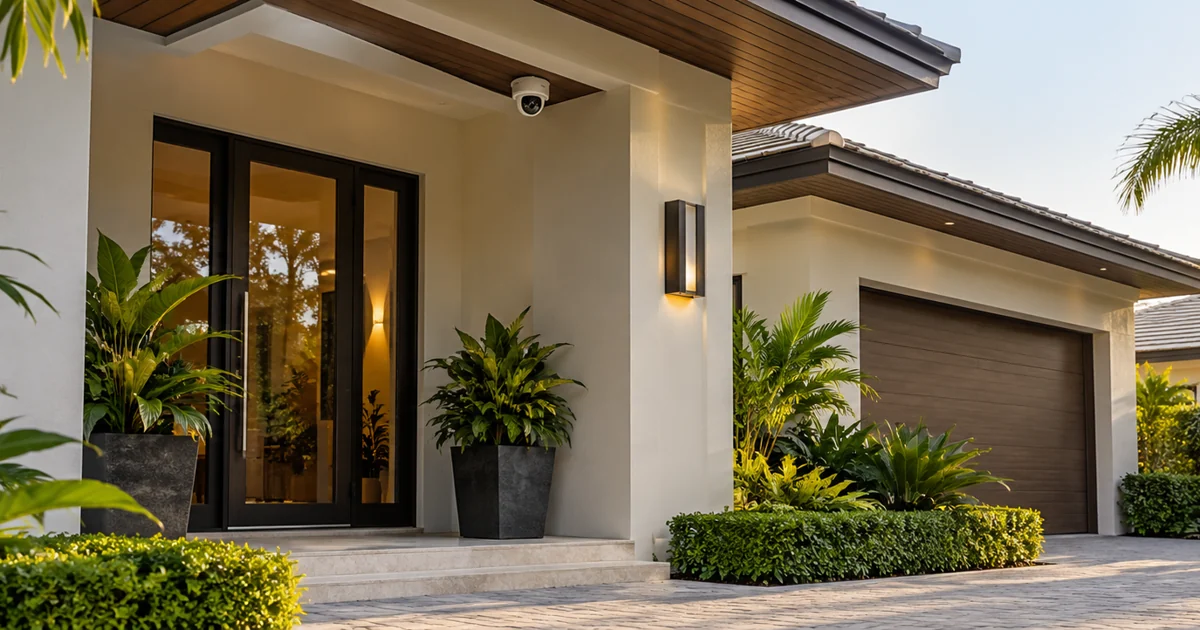
When a security recorder stops responding, a camera with correctly configured local storage may continue saving video. That can reduce a recording gap, but an SD-card slot alone does not establish an outage-recovery system. Power, configuration, card condition and the recorder’s retrieval functions all matter.
Before a camera upgrade, define the failure you want to cover. A recorder application failure, a disconnected network cable and the loss of the camera’s PoE power are different events. The proposal should identify which ones the selected design addresses and how that will be demonstrated.
Separate recording from recovery
Local recording means the camera writes footage to supported storage at the device. Recovery means an authorized person or compatible video-management system can retrieve that footage afterward. Automatic transfer into the recorder’s timeline is an additional function; it must be supported and configured for the actual camera and VMS combination.
Axis documents SD-card playback, failover recording and copying recordings as distinct settings in Camera Station. Its documentation is useful evidence that these are separate functions, not interchangeable descriptions of an SD slot. Other products require their own model-specific verification.
Check what remains powered
A camera cannot keep recording when it loses its operating power. If the camera receives PoE from the recorder being taken offline, shutting down that recorder may stop the camera as well. If it is powered from a separate switch, the design still needs to account for the switch and its power source.
Ask for a simple equipment-path drawing identifying the camera, power source, network path and recording server. The intended outage test should preserve the components needed for the fallback function. This article does not size backup power; it helps establish whether the proposed local-recording feature can operate during the failure being discussed.
Specify the camera and storage combination
The equipment schedule should identify the exact camera model, supported card type and capacity, firmware, recording configuration and VMS version. Use surveillance storage approved for the application and follow the manufacturer’s installation and maintenance instructions. A consumer card that fits physically is not automatically the right choice for repeated recording.
- Does the camera support the intended recording mode?
- Is local recording continuous, event-based or activated by a supported failover rule?
- How is a missing, failed or full card reported?
- Who checks storage health and responds to warnings?
- What happens when the local storage reaches its configured limit?
Storage capacity remains finite. The outage duration, scene activity and stream settings affect how much useful footage survives. Define the required outage window and verify it for the selected configuration rather than advertising a universal number of recording days.
Ask how the footage becomes available again
Some systems support playing recordings from the camera; some can copy them to central storage; some combinations may require a different retrieval workflow. Specify whether a technician must intervene, whether transfer is scheduled and how the operator distinguishes recovered footage from a genuine gap.
Do not assume basic third-party camera video compatibility includes every edge-storage or recovery feature. The selected VMS documentation should explicitly support the intended workflow. Record any license or software dependency in the proposal and confirm authorized access before testing.
Demonstrate the complete outage sequence
- Confirm that ordinary central recording and camera storage are healthy.
- Document the test time and create an easily recognized, authorized test event.
- Simulate the agreed recorder or network failure without removing the camera’s required power.
- Restore the system and check the local recording.
- Verify the promised playback, copy or automatic-recovery behavior.
- Export a sample and document missing periods and operational limitations.
Agree on the test with the property’s responsible person; do not interrupt a working security system without an approved service window. Test results should name the installed models and versions. A successful demonstration on another product family does not establish the behavior of this installation.
Compare the outage promises in competing camera proposals
Consider a property where the cameras stay powered from a separate network switch while the recording server is unavailable. One proposal promises recording on supported camera storage; another also includes retrieving that footage through the recording platform after service returns. Those are different deliverables. Ask both suppliers to demonstrate the same sequence and identify any period that still cannot be recovered.
Write the acceptance record around a specific camera and a recognizable test movement. Note the time ordinary recording stops, the time service returns and where the recovered sample can be viewed. Include the person's normal user permissions in the demonstration. A technician being able to retrieve a card manually does not prove that the property manager has the automatic recovery workflow described in the quotation.
For a new camera installation, identify the desired failure protection before selecting the recorder, cameras and storage accessories. For a takeover, begin with the retained models and licenses; the result may support configuring existing features, adding supported storage or replacing equipment that cannot meet the requirement. Keep those options separate so the owner can understand the reason for each purchase.
Also agree how the property will learn that fallback recording is unavailable. A missing-card warning, a failed recording rule or a disabled recovery task needs a named response responsibility where the platform supports reporting it. Ask who checks the result after software updates or camera replacement. This is an operational purchasing question: the owner is buying a tested recording-and-retrieval workflow, not merely a card fitted inside a camera.
Define the purchase around the failure you need to cover
Local camera storage complements central recording. It is not a blanket guarantee against camera damage, theft, loss of power or every recorder failure, and it should not be sold as an independent backup simply because it is inside the camera.
Sentry Audio Video provides camera and recording-system upgrade assessments for South Florida properties. Send the recorder model, camera list and the outage you want to address when you request an assessment, or call (561) 717-3280.
Technical references
Reviewed October 30, 2026: Axis’s surveillance-card white paper and Camera Station SD storage and failover documentation. These describe supported Axis configurations; they are not universal third-party compatibility claims.
Featured image: AI-generated illustration, not a photograph of a Sentry Audio Video project.
From our Google reviews
“Brian and his team did an outstanding job installing our security cameras.”
Security camera installation
Google review excerpt