A 180-degree camera can show a wide area from one mounting position. That does not automatically mean it can replace two carefully aimed cameras. The buying decision depends on useful detail across the whole scene, the chosen panoramic design and the tasks the owner needs to perform from recorded footage. A wide live picture is only the beginning of the test.
Before removing existing cameras, compare the proposed panoramic view with the old views at representative locations. Check the center, outer edges and any stitching region. Repeat important tests under the lighting conditions that matter. The goal is to establish whether the new camera preserves the evidence required, rather than simply covering more scenery in one image.
Identify the panoramic design being proposed
Not every wide-angle camera builds its picture in the same way. A single-sensor fisheye, a multisensor camera and a stitched panoramic output can have different presentation and recording behavior. Ask for the exact model and explanation of its supported views. Do not use the term 180-degree as if it describes a single interchangeable technology.
For a stitched multisensor design, check how the images are combined and what the manufacturer says about scene geometry and calibration. For a fisheye design, check the available dewarped views and how the recording platform handles them. The owner should know whether the displayed view is the recorded view or a transformed view produced by the client software.
Define the evidence task at each location
Choose what the owner needs to see before judging the camera. Detecting movement at the driveway entrance is different from recognizing a familiar person near a door. Reading a particular detail requires more than noticing that an object is present. Record the required task and the distance at several points across the proposed view.
Use a simple scene map or a marked test list. Include the most distant useful point, the nearest approach and both outer edges. Add locations where people or vehicles pass between sensor views if the design uses stitching. This allows a fair comparison with the current cameras. Otherwise, a demonstration can look convincing simply because it focuses on the easiest part of the scene.
Inspect the edges at the intended recorded quality
Wide coverage spreads the available image information across a broad scene. Lens behavior, perspective, lighting and compression can all affect what remains useful near the sides. Inspect the specific detail you need in playback, using the intended recording settings. Enlarging a low-detail object on a monitor cannot create information the camera did not capture.
Walk through the outer areas at ordinary speed and review the result. Check partial obstruction by walls, columns, landscaping or parked vehicles. A panoramic camera observes from one physical position; it may not see around an obstruction that a second mounting position previously avoided. That geometric difference can be more important than the resolution printed on the specification sheet.
Test the stitching region when applicable
For models that stitch multiple views, examine objects crossing or standing near the join. Check the distances the manufacturer considers appropriate and the actual mounting position. Do not assume that a seamless distant landscape proves close moving subjects will appear equally clean. Scene-dependent effects need to be assessed on the intended application.
- Walk across the full view, including the outer edges and any join.
- Pause at representative near and far points, where safe and authorized.
- Review movement and stationary detail in saved playback.
- Check whether the chosen NVR preserves the intended panoramic view.
- Export a test clip and verify the viewing workflow.
- Compare important obstructed areas with the existing camera positions.
This test is not a claim that every stitched camera has a problem. It is a way to verify the specific model and scene before relying on it. If the required evidence falls at a difficult join or outer edge, changing the mounting position or retaining a second view may be more effective than selecting a higher-resolution model without another test.
Repeat the useful-detail check after dark
Night lighting can change the comparison. Check the actual driveway, entry or perimeter under its normal lights, including relevant glare and vehicle headlights. If infrared illumination is part of the system, evaluate its coverage and nearby reflective surfaces. A bright, attractive daylight panorama does not establish nighttime detail across the entire width.
Keep the test focused on the agreed evidence task. Do not accept only a still image of an empty scene when the requirement concerns moving people. Review recorded motion, playback and export. Where testing cannot reproduce a seasonal or unusual condition, document the limitation and manufacturer information used in the design rather than implying that every condition was independently proven.
Compare the full replacement scope
Replacing two cameras with one may reduce mounting points or cabling, but it also changes redundancy and viewpoint options. Ask how a single device failure would affect coverage. Review compatibility with the recorder’s panoramic functions and any needed licenses. Power, storage and stream support remain separate checks. A lower camera count should follow the design evidence, not lead it.
The proposal should state which old cameras will be removed, what the new model is expected to cover and which areas remain outside the accepted scope. Keep a record of test clips or results in the private project files. That makes future changes to landscaping or parking patterns easier to evaluate.
Buyer questions
Is a 180-degree camera always better than two conventional cameras?
No. It may be an excellent fit for a broad, suitable scene, but two positions can provide different angles and avoid obstructions. Compare the required recorded detail and operational tradeoffs at the actual site.
Should the demonstration use live view or playback?
Use both, with particular attention to the recorded and exported result. The owner ultimately needs an understandable way to retrieve useful footage from the selected recording platform, not just an impressive installer’s live view.
Plan the next step with Sentry Audio Video
For a South Florida project, start with our video surveillance design and upgrades service. Sentry Audio Video can review the existing equipment, define the proposed change and identify the tests needed before ordering. Request a project review and include the equipment models, room or camera locations, and the outcome you want.
Related planning: camera coverage planning for an estate.
Manufacturer and technical references
- Axis panoramic camera white paper
- Axis stitching documentation
- Axis horizon straightening technical paper
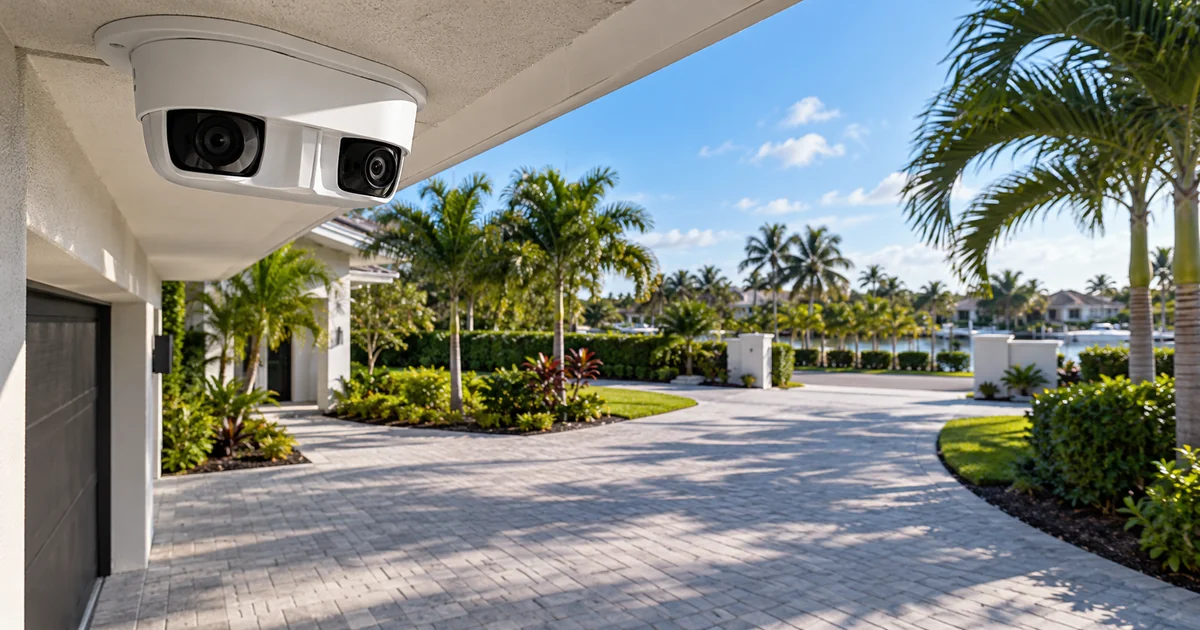
Technical sources reviewed October 23, 2026. Confirm exact model, software, licensing and project requirements before purchase. Featured image is an AI-generated illustration, not a photograph of a Sentry customer project.
From our Google reviews
“Brian and his team did an outstanding job installing our security cameras.”
Security camera installation
Google review excerpt