An AI tracking-camera demonstration often ends while the subject is still in view. A better buying test continues after the subject leaves and after an authorized operator moves the camera manually. The owner needs to understand what the camera will watch next, when automatic operation resumes and which view remains available while it is pointed elsewhere.
Before purchasing a PTZ upgrade, define these control priorities and end states. Pan, tilt and zoom movement is one part of the design; a useful handover also explains the supported tracking application, its limits and the routine the property’s operators will follow.
Specify the tracking integration rather than a generic AI label
Identify the exact camera, firmware, analytics application, relevant licenses and management platform. Ask where detection and tracking processing occur and which components must communicate. An application available on one camera family does not establish identical behavior on every PTZ product.
Axis Perimeter Defender PTZ Autotracking is one documented example. It pairs a fixed camera’s detection with a compatible PTZ camera’s closer tracking view. The manufacturer describes calibration, application requirements, a post-alarm return setting and manual override. Those details demonstrate why the integration needs a defined scope; they are not features to assume on an unidentified system.
Agree on the home view and return behavior
Ask what the PTZ should show during ordinary idle operation. Identify the intended home preset or another supported default. Then define what happens when a tracked subject disappears, stops being eligible for tracking or leaves the configured detection area.
A return delay should be discussed using the selected application’s controls. Avoid promising an exact timing or automatic recovery sequence without verifying it on the proposed installation. The acceptance test should show the owner the actual return behavior and explain any condition that prevents it.
- Normal idle or home view.
- Trigger that starts the supported tracking action.
- Condition that ends tracking.
- Return behavior and any configured delay.
- What operators see when a required component is unavailable.
Test manual control and the return to automation
An authorized operator may need to examine a delivery, a service entrance or another view while analytics are active. Decide whether manual control is allowed, which interface supplies it and how that action affects automatic tracking.
Demonstrate the handoff rather than assuming the camera will resume its previous activity immediately. Check what happens after manual operation ends and document the ordinary steps the operator should take. Keep user permissions aligned with the property’s responsibilities.
Keep the wider scene in the design
A moving camera’s current view is directed toward its selected subject or preset. Determine which fixed overview or other supported coverage the design retains while the PTZ follows that subject. Do not present a close tracking view as proof that every other area remains observed at the same time.
Where the selected system pairs a fixed detector and PTZ, verify both views and their coordination. Include a controlled second activity in the agreed test where appropriate. The purpose is to expose limitations before purchase, not to guarantee that every simultaneous event will be detected or recorded.
Use a complete tracking acceptance sequence
- Confirm the normal home view and required fixed overview.
- Create an authorized test movement through the intended detection area.
- Verify the tracking and recorded views.
- Let the subject leave and observe the end and return behavior.
- Use authorized manual control and demonstrate the supported return to automatic operation.
- Record settings, limitations and operator instructions.
Testing should reflect the installed scene and agreed operating conditions. Manufacturer documentation describes conditions that can delay or prevent detection; a brief demonstration in favorable conditions does not eliminate those limitations.
Compare the camera position before and after a tracking event
Use a simple scene drawing to show the PTZ's normal view, the area it may follow and the fixed coverage retained while it moves. Then identify the operator's ordinary display. A close view of a tracked person may be useful, but the buyer should also see what the system shows at the entrance or elsewhere during that same interval. This is a planning comparison, not a claim that one camera can observe every direction simultaneously.
During the demonstration, include an agreed manual action while tracking is available. Have the authorized operator use the interface that will remain after installation, then observe the actual end of manual control and return behavior. If resuming automation requires an operator step, that step belongs in the handoff. If it is automatic, record the verified condition rather than guessing from a default setting on another product.
In a new camera project, establish these priorities before selecting a tracking application and control platform. In a takeover, ask whether the installed combination supports the desired priorities and whether the required application and configuration can be maintained. Identify the work needed to calibrate and test the actual scene rather than treating a license purchase as completed commissioning.
Request a quotation that distinguishes the PTZ hardware, any fixed-camera dependency, supported application, setup and operator training. Include unresolved compatibility questions as conditions to resolve before ordering. This helps the owner compare a moving-camera feature demonstration with an installed system whose routine behavior, limitations and operating responsibilities have actually been defined.
Ask for a defined AI-camera upgrade
Sentry Audio Video can assess camera systems, compatible AI analytics and recording upgrades in South Florida. Send your current equipment models, intended tracking area and operator needs when you request an assessment, or call (561) 717-3280. The recommendation should identify the actual integration and commissioning work before equipment is ordered.
Technical reference
Reviewed October 30, 2026: AXIS Perimeter Defender PTZ Autotracking documentation. Exact device support, application versions, licensing, calibration and control behavior require project-specific verification.
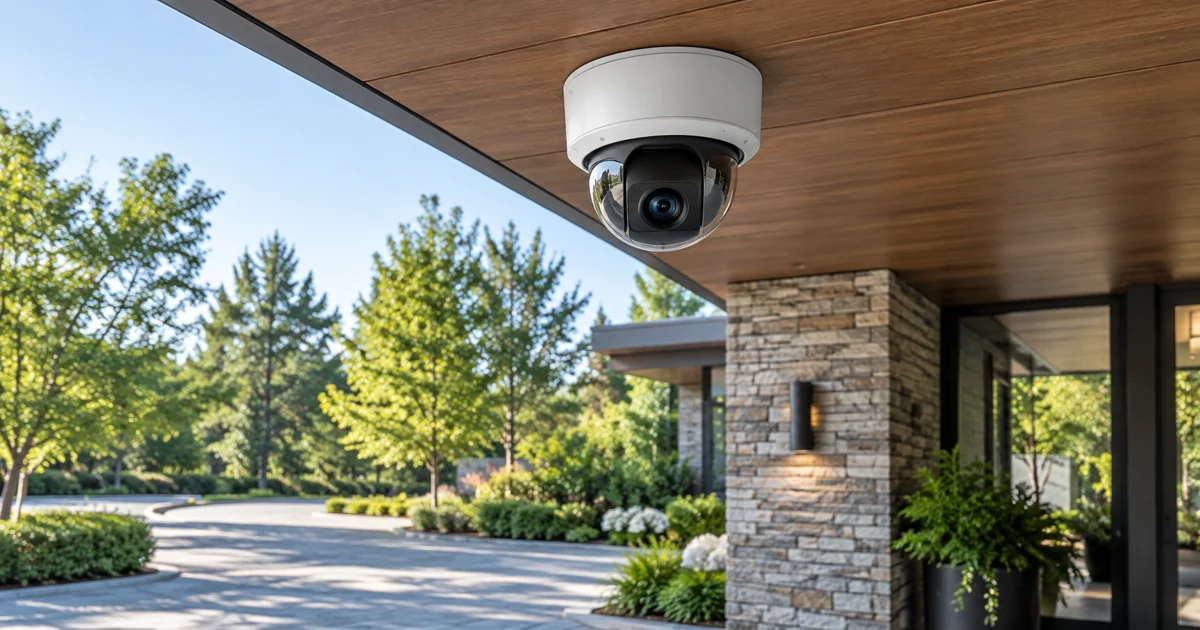
Featured image: AI-generated illustration, not a photograph of a Sentry Audio Video project.