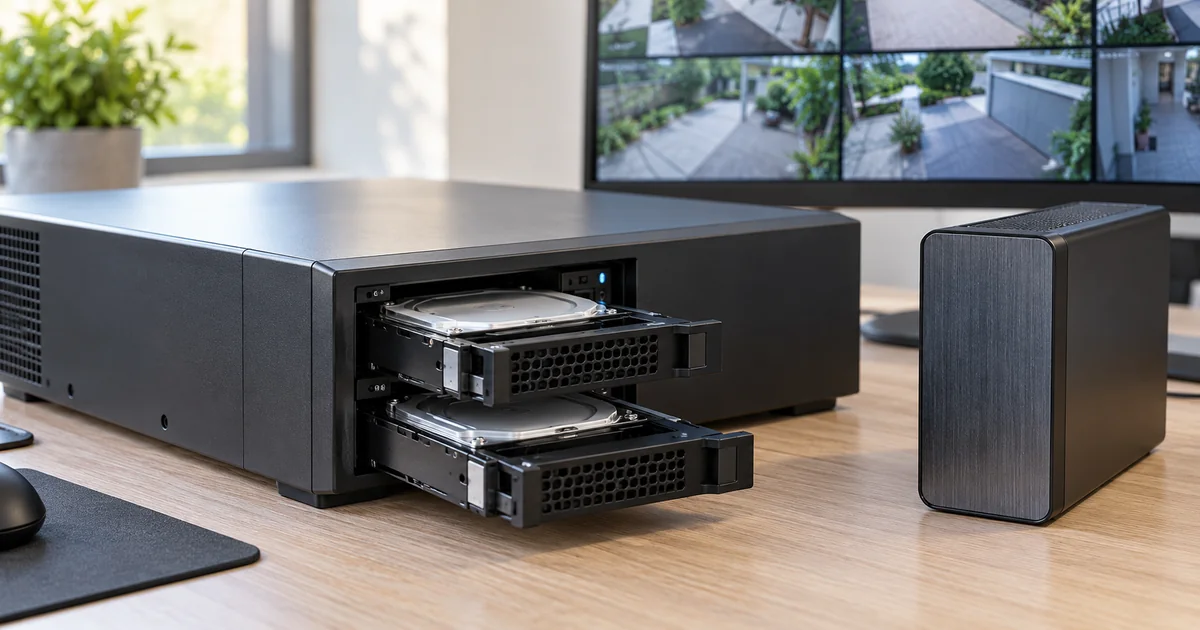
A recorder with multiple hard drives is not automatically backed up. Depending on its supported storage configuration, it may tolerate a particular drive failure, provide additional capacity or do something else entirely. Before paying for a recorder upgrade, ask which failure the proposed design is intended to survive and how the owner would recover important footage.
Drive redundancy, a separate copy of recorded video and an incident export serve different purposes. They can complement one another, but they should not be presented as interchangeable. The useful buying decision begins with the footage that matters, the interruptions the owner wants to plan for and the supported recovery options of the exact recording platform.
Identify what the storage configuration actually does
Ask for the exact recorder model, supported drive arrangement and usable capacity. Some configurations use multiple drives without redundancy. Others can tolerate a defined number or pattern of failures. RAID 0, for example, should not be described as drive redundancy. Do not infer protection from the number of trays visible on the front of the chassis.
Where a supported redundant arrangement is proposed, ask how it behaves during a drive fault and rebuild. Determine how a fault is reported, who receives that report and who arranges replacement. A feature that nobody monitors can leave the owner operating in a degraded state without realizing it. The proposal should include the response process rather than only the storage acronym.
Name the failures redundancy does not solve
A redundant drive configuration is still part of a recorder in a particular location. It should not be assumed to protect footage against theft of that recorder, fire, accidental deletion, every controller failure or every software problem. The actual limitations depend on the product and configuration. Ask the installer to describe them plainly instead of calling the system failure-proof.
A backup or other separate copy introduces its own questions. Is the copy on different equipment? Is it in the same room or elsewhere? Which recordings are included, how often are they copied and who can restore them? A second storage device connected to the same system may help with one failure while remaining exposed to another. Location and administration matter as much as capacity.
Separate continuous protection from incident exports
An incident export preserves selected footage for a known event. It is useful but does not mean all routine recordings are backed up. A continuous or scheduled backup process, where supported, has a broader scope and different capacity, network and licensing requirements. Decide which outcome the owner needs before comparing proposals.
For a hypothetical property, the owner might want to keep ordinary footage on the NVR while preserving selected incidents in a separate controlled location. Another owner may require a supported ongoing secondary recording arrangement. Those are different designs. Neither should be silently substituted for the other because both can be described loosely as “extra storage.”
Define the recovery goal in practical language
Ask how much footage could be lost under the chosen design and how long restoration might take. Avoid accepting an unsupported guarantee of instant recovery. The answer depends on the failure, available copies, equipment, network and manufacturer-supported process. Define realistic expectations in the proposal and identify conditions that cannot be guaranteed.
- Which specific failure is the redundant storage designed to tolerate?
- What footage exists outside the primary recorder, if any?
- How current is that separate copy expected to be?
- Who is authorized to retrieve or restore it?
- What equipment, software or licenses are needed for playback?
- How will faults be reported and who responds?
- What recovery demonstration is included at handover?
Keep retention sizing as a separate decision. Redundancy can reduce usable capacity compared with raw drive totals. A backup may need additional storage of its own. Have the installer calculate retention using the actual camera count and recording assumptions, but do not confuse a large advertised drive total with either a retention guarantee or a recovery plan.
Verify the supported hardware and software combination
Recorder manufacturers publish hardware and storage guidance. Use the recommendations for the exact model and software, including supported drives and configurations. An arbitrary desktop drive or unsupported storage layout can introduce problems the product’s redundancy feature was never designed to address. Confirm warranty and service implications before ordering.
If a cloud or remote storage service is proposed, document the subscription, data path, permissions and supported restoration method. Do not assume that remote viewing means remote recording or backup. Check how the system behaves when connectivity is unavailable and whether copying resumes as expected afterward. Any test should use the platform’s supported procedures without risking the owner’s existing footage.
Demonstrate retrieval without damaging the live system
At handover, export an authorized sample and open it using the intended viewing method. Where a separate backup is included, demonstrate a supported restoration or retrieval test with noncritical material. Do not pull live drives or intentionally damage a functioning recorder simply to create a dramatic demonstration. Plan tests with the manufacturer’s procedures and the owner’s operational needs in mind.
Retain the test outcome and support contacts privately. Make sure the owner knows how to report a storage alarm and preserve an incident before routine overwriting removes it. A readable handoff can be more valuable than a complex storage diagram nobody uses. The key is that the purchased protection has a defined scope and a demonstrated recovery path.
Buyer questions
If the recorder has RAID, do we still need another copy?
That depends on the failures and footage you need covered. RAID is not a substitute for every form of backup. Evaluate the exact configuration and decide whether a separate copy is required for the owner’s risk and operating needs.
Does an exported clip count as a complete backup?
It preserves that selected material, not necessarily the rest of the recordings. Specify incident preservation and any ongoing backup as separate deliverables, then confirm that authorized users can retrieve the expected footage.
Plan the next step with Sentry Audio Video
For a South Florida project, start with our video surveillance design and upgrades service. Sentry Audio Video can review the existing equipment, define the proposed change and identify the tests needed before ordering. Request a project review and include the equipment models, room or camera locations, and the outcome you want.
Related planning: surveillance retention review.
Manufacturer and technical references
- Axis recording solutions
- Axis Camera Station hardware guidelines
- Adaptec: RAID and backup distinction
Technical sources reviewed October 23, 2026. Confirm exact model, software, licensing and project requirements before purchase. Featured image is an AI-generated illustration, not a photograph of a Sentry customer project.