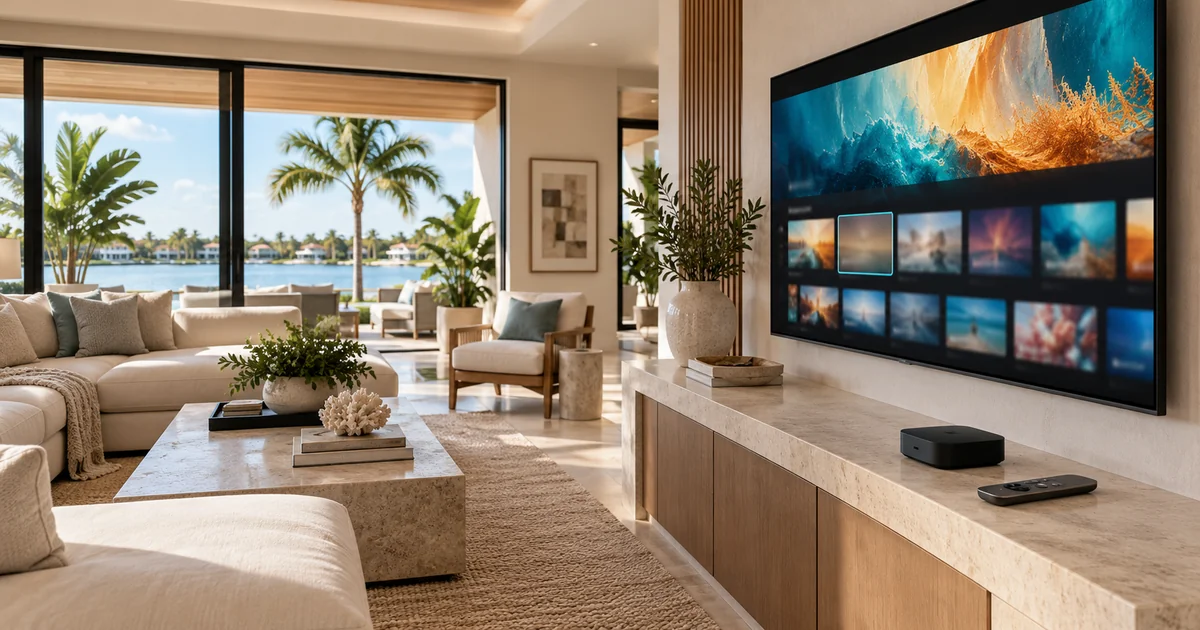
Replacing a cable box with Apple TV can simplify the equipment shelf, but it changes the way the household finds programs. A cable channel number, an app shortcut and a streaming account are different things. A successful Control4 upgrade defines what each person should see and press after the change, rather than assuming the old experience transfers automatically.
Before cancelling service or returning a provider box, list the programs the household actually watches. Include local news, live sports, premium channels, recorded shows and occasional purchases. Then have the proposed Apple TV and Control4 configuration demonstrated against that list. The important purchase decision is whether the replacement delivers the viewing experience you expect, with clear responsibility for accounts and support.
Separate the physical source from the television service
Apple TV is a streaming device. It does not by itself replace every channel, subscription or recording associated with a cable provider. A household may need a live television subscription, several individual apps, or a mixture. Availability, regional restrictions, blackout rules and simultaneous-stream limits belong to those services. Confirm them directly before committing to the equipment change.
Control4 adds another layer: selecting the correct room, display, audio route and source. Its Watch interface can expose configured entertainment sources. That does not mean every program inside every app becomes a directly selectable Control4 channel. Ask which operations use the Control4 interface and which require navigating the Apple TV or the selected app.
Build a small viewing map before the installation
Choose ten representative viewing tasks instead of presenting the installer with an undefined request to make everything work. For each task, record the old method, proposed service, account owner and desired starting point. Include an ordinary weekday task and something less frequent, such as a sporting event or rented film. A demonstration should use your actual intended subscriptions where possible.
- Local news: identify the app or live television package and confirm the local station.
- Sports: check the competition, geographic availability and subscription tier separately.
- Premium programming: identify whether access is billed directly or through another provider.
- Existing recordings: ask whether they remain accessible after cancellation or equipment return.
- Guests: agree on a simple route that does not expose purchasing or account-management controls.
A hypothetical example makes the distinction clear. Selecting a sports favorite on the old cable system may send a channel command to a tuner. The new route might select Apple TV, open a live television app and require an additional menu choice. Both can reach a game, but the household experience is different. Document that difference before accepting the proposal.
Treat favorites as items to rebuild and test
Control4 supports favorites, but existing shortcuts should be reviewed when the underlying source changes. A favorite pointing to a removed tuner is not proof that the corresponding streaming destination exists. Even a new shortcut that launches an app may stop at a profile screen or sign-in prompt. The installer should identify the exact destination each proposed favorite can reliably reach.
Keep the initial list short. A handful of clearly named, tested choices is more useful than an impressive screen filled with unreliable shortcuts. Test from a powered-down room as well as from an already running app. Confirm the correct audio output, volume control and return path. Label any action that opens an app rather than immediately playing a specific channel or program.
Keep the homeowner in control of login accounts
The homeowner should own the Apple account and streaming subscriptions. Decide who will complete authentication during installation and who receives billing and security notifications. Do not put passwords, payment details or recovery codes in an ordinary equipment schedule or send them in an unsecured support request. Use an agreed secure process when temporary installer access is needed.
Also check profiles and purchase restrictions. Different family members may have different watch histories, parental controls or preferences. A successful demonstration under one profile does not prove that the same shortcut behaves identically for everyone. Record how to change profiles and what to do when an app asks for authentication again. That small handoff detail can prevent a routine account prompt from becoming a service emergency.
Define the cutover and acceptance test
If the old service is still active, use a short transition period to verify the replacement. Do not rely on a showroom demonstration to prove local channels or household subscriptions. Confirm the correct Apple TV model, current supported Control4 driver, control method and any software requirements. Driver compatibility should be checked against the installed Control4 system before ordering.
The acceptance test should cover starting television, choosing each agreed viewing task, pausing, returning home, adjusting volume and shutting the room down. Test the rooms separately if the source serves more than one display. A shared physical player can also create shared viewing constraints; the proposal should state how many independent viewing sessions the hardware and subscriptions support.
Ask for a brief handoff sheet that distinguishes equipment problems from subscription problems. It should identify who supports Control4 programming, who owns each service account, and where the household manages billing. Avoid putting confidential credentials on that sheet. The objective is a repeatable way to watch television, with understandable next steps when a service changes its interface.
Questions to settle before removing the cable box
Will my cable channel favorites automatically become Apple TV favorites?
Do not assume they will. The source, command and destination may all change. Ask the installer to review the existing favorites and demonstrate the supported replacement for each important one. Some may become app entry points rather than direct channel selection.
Does Control4 pay for or manage the streaming subscriptions?
Equipment control and subscription ownership are separate responsibilities. The homeowner should confirm required accounts, service charges and access rights directly. Include account setup and the household demonstration in the project scope so that the installation is ready for real use.
Plan the next step with Sentry Audio Video
For a South Florida project, start with our Control4 installation and programming service. Sentry Audio Video can review the existing equipment, define the proposed change and identify the tests needed before ordering. Request a project review and include the equipment models, room or camera locations, and the outcome you want.
Related planning: Control4 service and repair.
Manufacturer and technical references
- Control4: Watching TV
- Control4: Creating favorites
- Control4 Apple TV driver quick start
- Apple TV app settings
Technical sources reviewed October 23, 2026. Confirm exact model, software, licensing and project requirements before purchase. Featured image is an AI-generated illustration, not a photograph of a Sentry customer project.