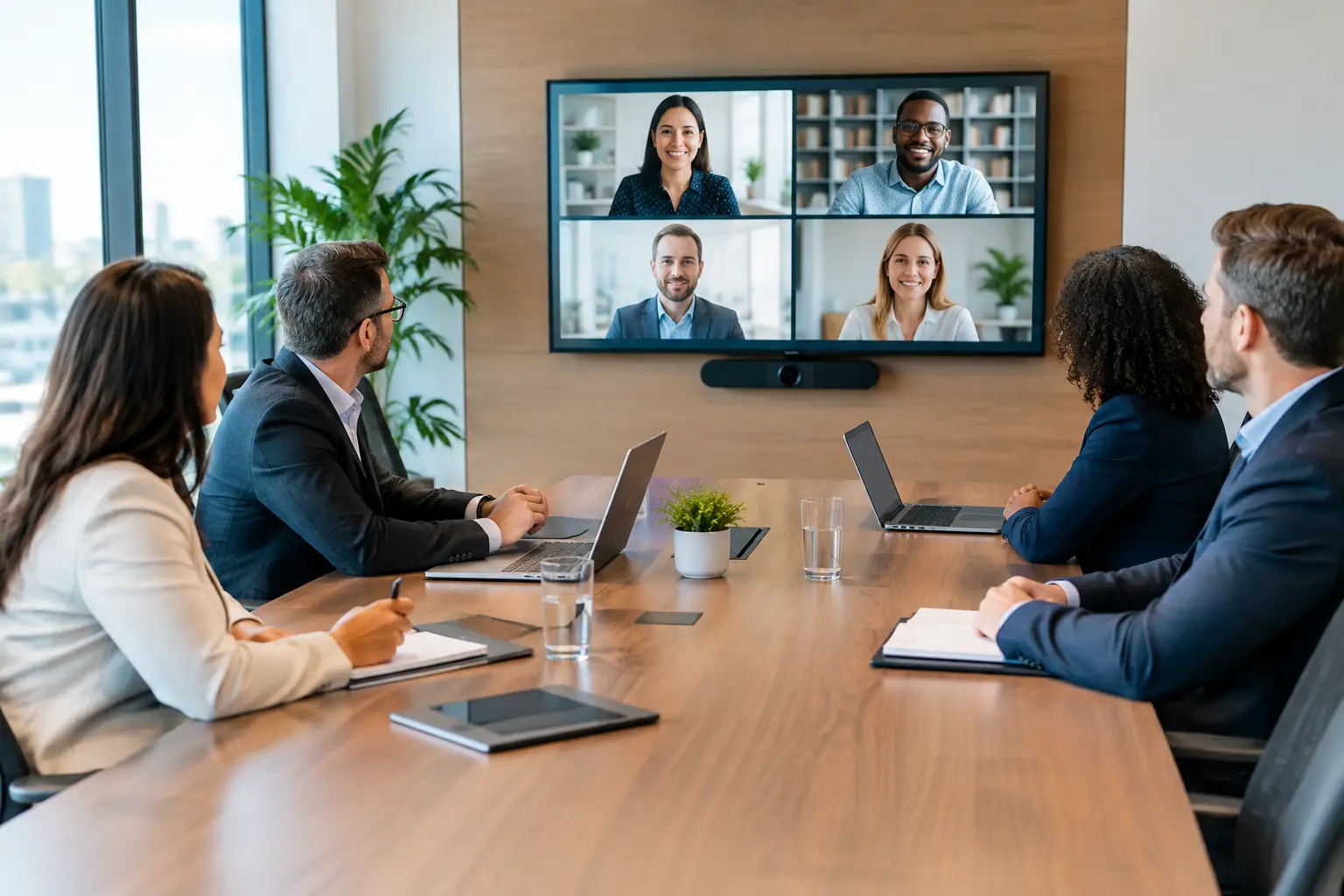
A meeting can lose momentum before anyone discusses the agenda. The display takes too long to wake up, a remote participant cannot hear the room, or a presenter spends five minutes searching for the right input. Boardroom collaboration systems prevent those small frustrations from becoming a recurring operational problem. When designed correctly, they make the room feel ready for business the moment the first attendee walks in.
For executives, clients, and internal teams, the boardroom is more than a place to gather. It is where decisions are made, relationships are built, and ideas need to translate clearly across the table and across the country. That requires more than a large display and a conference camera. It requires a professionally integrated environment where video, audio, content sharing, control, network connectivity, and room scheduling work as one dependable system.
What Boardroom Collaboration Systems Should Deliver
A well-planned boardroom should support both in-person conversation and remote participation without forcing people to think about the technology. Attendees should be able to enter the room, start a scheduled call, share content, and adjust the environment from a clear, intuitive control interface. The experience needs to be consistent whether the meeting involves two people or a full executive team.
Video quality matters because visual communication carries more weight than a grid of distant, poorly framed faces. A properly selected camera provides a natural view of the room, with framing that keeps active participants visible. Camera placement is equally important. Mounting a camera too high, too low, or too far from the display can create an awkward sightline that makes remote conversations feel disconnected.
Audio is often the deciding factor in whether a meeting feels productive. People may tolerate an imperfect image, but they quickly disengage when speech is muffled, echoing, or interrupted by background noise. Ceiling microphones, tabletop microphones, digital signal processing, properly placed speakers, and acoustic considerations all affect intelligibility. The goal is not simply to make the room louder. It is to ensure every participant can be heard clearly and naturally.
Content sharing also needs to be immediate. A modern boardroom may need to display a presentation from a guest device, a video conference feed, financial dashboards, or information from multiple sources at once. The right system allows those transitions without cable clutter, confusing adapters, or a staff member assigned to troubleshoot the room before every meeting.
Why Off-the-Shelf Meeting Rooms Fall Short
Many businesses begin with standalone equipment purchased one piece at a time. A display is installed first, then a camera, then speakers, then a conferencing platform. Each item may work on its own, but the room often lacks a dependable operating experience.
The problem is integration. A display may not power on when the conferencing system starts. A wireless presentation device may compete with a wired connection. Audio settings may need to be adjusted separately in multiple places. When a meeting begins under pressure, those handoffs become visible to everyone in the room.
Boardroom collaboration systems are designed around the full workflow rather than individual products. That includes the physical room, furniture layout, lighting conditions, expected meeting platforms, network requirements, and who will actually operate the space. A boardroom used primarily for client presentations has different priorities than one supporting daily hybrid team meetings. The right solution depends on how the room is used, not on a standard equipment list.
The Room Itself Is Part of the System
Even premium equipment cannot overcome poor room planning. A long conference table, reflective glass walls, low ceilings, uneven lighting, and open architectural features can all affect camera performance and speech clarity. An experienced integrator evaluates these conditions before selecting and placing technology.
Display size should be based on viewing distance and the type of content being shared. A room focused on detailed spreadsheets or design review may need a different display approach than one built for presentations and video conferencing. In larger spaces, dual displays can keep remote participants visible while preserving a dedicated screen for shared material.
Lighting deserves equal attention. Strong backlighting behind meeting participants can leave their faces in shadow on camera. Motorized shades and integrated lighting control can help create a more consistent presentation environment, especially in boardrooms with expansive windows and changing daylight. These are not decorative additions. They improve visibility, comfort, and the professional appearance of every meeting.
Essential Components of a High-Performance Boardroom
The display system is the visual anchor, but it should be selected alongside the room’s conferencing and presentation needs. Depending on the space, this may include one or more commercial-grade displays, a projection system, or a video wall. Reliability, viewing angles, brightness, and mounting precision all matter in a boardroom setting.
A conferencing camera should offer the appropriate field of view and resolution for the room. Auto-framing and speaker-tracking capabilities can be valuable, but they should serve the meeting rather than become a distraction. In some layouts, multiple cameras provide a better result than one wide-angle unit. This is particularly true when the boardroom has a long table or a dedicated presentation area.
The audio system should be engineered as a complete signal path. Microphones must capture voices consistently, speakers must distribute sound evenly, and digital processing must manage echo cancellation and level balancing. Good audio design allows remote participants to hear natural discussion without requiring attendees to lean toward a microphone or repeat themselves.
An integrated control system ties the experience together. With a single touch panel, users can start a meeting, select a source, adjust room volume, control displays, and manage lighting or shades where appropriate. The interface should use plain-language prompts and logical controls. A boardroom control system is successful when senior leadership, guests, and support staff can use it with confidence.
Behind the wall and beneath the table, structured cabling and network planning provide the foundation. Professional cable management protects performance while preserving the refined appearance expected in an executive environment. It also makes future service and expansion more manageable. A clean installation is not only about aesthetics. It supports long-term reliability.
Planning for Hybrid Meetings and Future Growth
Hybrid meetings have changed what a boardroom must do. Remote attendees should not feel like observers, and people in the room should not have to compromise their natural discussion style to accommodate technology. The most effective spaces make interaction feel balanced, whether someone is seated at the table or joining from another office.
That may mean adding microphones that cover every seat, cameras that capture both participants and presenters, and displays positioned to maintain eye contact as naturally as possible. It may also require coordination with the business’s existing communications platform and IT policies. Conference technology should support established workflows rather than create another isolated system to manage.
Future growth should be considered during the initial design. A company may start with one primary boardroom and later need additional conference spaces, training rooms, executive offices, or divisible meeting areas. Planning pathways, equipment locations, network capacity, and control standards early can reduce disruption when the business expands.
There are trade-offs. More advanced automation and room intelligence can improve the user experience, but only if the interface remains simple and the system receives proper support. A highly customized room can be valuable for a flagship corporate space, while a smaller executive conference room may benefit from a focused design with fewer moving parts. The correct scope is the one that delivers a reliable experience every time.
Why Professional Integration Makes the Difference
A boardroom installation involves more than mounting equipment and connecting cables. It requires coordination between technology, construction conditions, furnishings, network infrastructure, and daily business operations. Details such as rack ventilation, display height, microphone coverage, cable pathways, and system programming affect the final result.
Sentry Audio Video approaches commercial meeting spaces as complete environments. From initial consultation through design, installation, programming, testing, and ongoing support, the objective is clear: a polished room that performs when the meeting matters. That accountability is especially valuable for businesses that want one trusted partner for AV, communications, control, and supporting infrastructure.
For companies in Boca Raton, Fort Lauderdale, and throughout South Florida, a professionally designed boardroom can reinforce the standards clients and employees see in every other part of the business. It communicates preparation, clarity, and respect for people’s time.
The right boardroom should never make its users work for it. Schedule a professional assessment before your next renovation, relocation, or conference room upgrade, and build a space where conversations can begin with confidence.