A media room usually starts with a simple goal: better movie nights, better game days, better everyday entertainment. But when homeowners ask how to design a media room, what they really need is a plan that balances comfort, performance, and long-term reliability. The difference between a room that looks impressive and one that truly delivers comes down to design decisions made before the equipment goes in.
How to Design a Media Room Starts With the Room Itself
The first mistake people make is shopping for screens and speakers too early. A media room should be designed around the room’s size, shape, light levels, and how the space will actually be used. A dedicated basement room with no windows gives you one set of options. A multi-use family room that also hosts casual TV viewing, entertaining, and children’s activities requires another.
Start with the room dimensions and seating distance. These two factors influence nearly everything else, including screen size, speaker placement, and whether a projector or large-format display makes more sense. If the room is narrow, you may need to prioritize front-stage performance and careful seating alignment. If it is wide and open to other areas of the home, acoustics and sound containment become more important.
Ceiling height matters more than many homeowners expect. Taller ceilings can make a room feel grand, but they also affect speaker positioning, sound reflections, and projector mounting. In renovation projects, soffits, beams, and HVAC placement should be addressed early so they do not interfere with lighting design or sightlines later.
Define What the Room Needs to Do
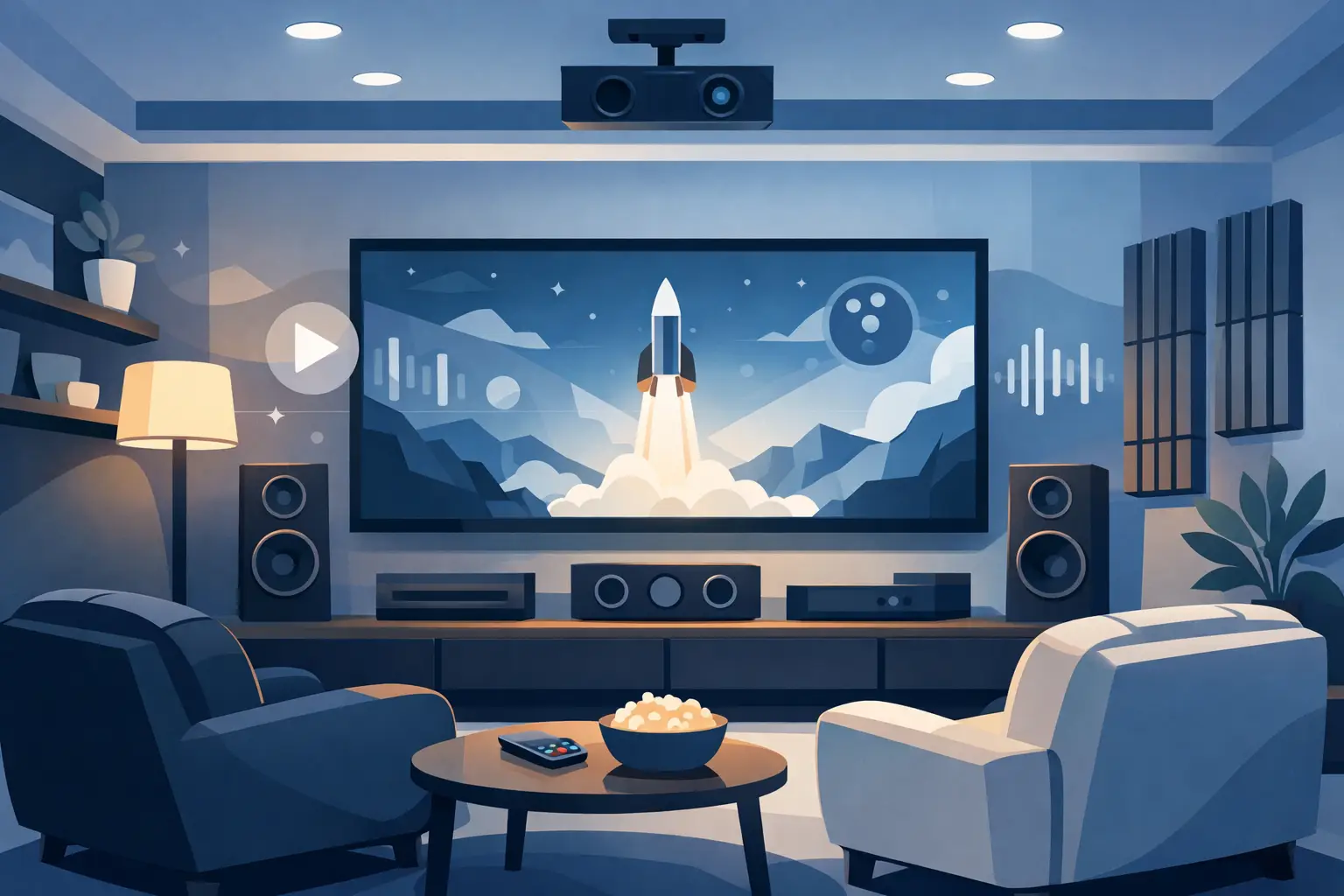
Not every media room is a home theater, and that distinction matters. Some clients want a cinematic experience with immersive surround sound and controlled lighting. Others want a refined entertainment space for sports, streaming, and casual listening, where the room still feels welcoming during the day.
That use case shapes the entire design. If the room is primarily for movies, prioritize blackout shading, acoustic treatment, and seating orientation around a single focal point. If it is a flexible space, you may want brighter finishes, easier traffic flow, and equipment choices that support both performance and everyday convenience.
It is also worth thinking about who will use the room most. A family with young children may benefit from durable materials, simplified controls, and flexible seating. A homeowner who entertains frequently may want multiple seating zones, discreet technology, and clean integration with whole-home audio or outdoor spaces.
Choose the Right Display for the Space
Screen choice is one of the biggest design decisions, and there is no universal answer. A projector and screen can create a more cinematic experience, especially in larger rooms where scale matters. But projectors perform best when ambient light is controlled, and they require thoughtful planning for mounting, throw distance, ventilation, and screen material.
A premium flat-panel display is often the better choice in bright, multi-purpose rooms. It handles daytime viewing well, delivers strong brightness and contrast, and simplifies installation. For homeowners who want a polished, low-maintenance solution, a large display can be the right investment.
Screen size should be based on seating distance, not guesswork. Bigger is not always better if the image feels overwhelming from the front row or awkward in the room. The goal is a comfortable field of view that feels immersive without causing visual fatigue.
Audio Is What Makes the Room Feel Finished
People notice the picture first, but they judge the experience by the sound. Clear dialogue, balanced bass, and consistent coverage across the room are what make a media room feel complete. This is where professional design has real value.
Speaker layout should match the room and listening goals. In-wall and in-ceiling speakers can create a clean look, but placement has to be precise. Freestanding speakers may deliver excellent performance, but they require space and can affect the room’s aesthetic. Subwoofers deserve special attention because bass response changes dramatically depending on room dimensions and placement.
Acoustics also matter. Hard surfaces like glass, stone, and tile reflect sound and can make even premium equipment sound harsh or uneven. Soft finishes, acoustic panels, rugs, and upholstered seating help control reflections and improve clarity. The best rooms do not just have quality speakers. They are tuned to support those speakers.
Lighting Should Support the Experience, Not Fight It
Lighting can either elevate a media room or work against every other investment in the space. The goal is layered lighting that supports different activities without creating glare on the screen.
Recessed lighting should be positioned carefully so it does not wash out the image. Accent lighting, step lights, sconces, and cove lighting can add sophistication while maintaining a comfortable viewing environment. Dimmers are essential, and they should be integrated into scenes that make the room easy to use.
Natural light needs to be managed just as intentionally. In South Florida and New York properties alike, large windows can be a design feature, but they can also create major viewing challenges. Motorized shades are often the cleanest solution because they preserve the look of the room while giving you immediate control over glare and privacy.
Seating, Sightlines, and Flow
A media room has to feel good to use, not just good to photograph. Seating should support comfortable viewing angles, clear sightlines, and easy movement through the room. In many projects, this is where practical planning separates a polished result from an expensive compromise.
The main seating row should be centered on the display and aligned with the speaker system whenever possible. If you want multiple rows, platform risers may be necessary, especially with a projector setup. In smaller rooms, fewer seats with better spacing often create a better experience than trying to maximize capacity.
Think about side tables, cupholders, charging access, and walkways. If the room doubles as a social space, sectional seating or a mix of loungers and occasional chairs may be more appropriate than traditional theater rows. The right answer depends on how formal or relaxed the room is meant to feel.
Infrastructure Matters More Than Most People Realize
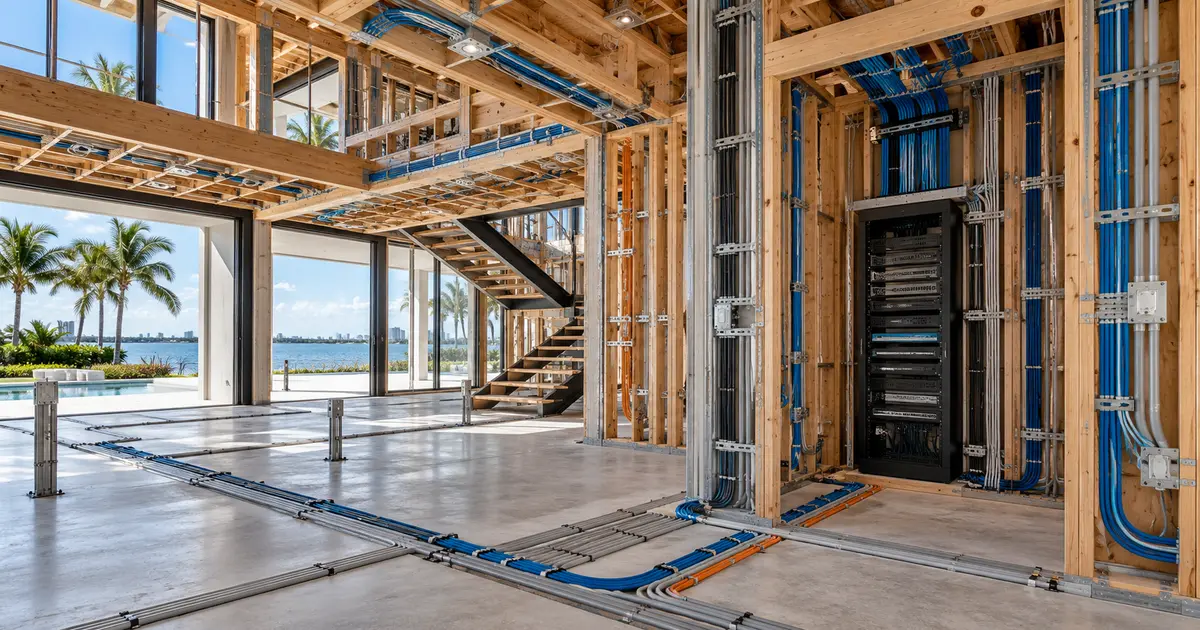
If you want a media room that performs reliably, the infrastructure behind the walls matters. This includes structured wiring, power planning, network connectivity, equipment ventilation, and clean rack design. These are not glamorous decisions, but they determine whether the system is stable, serviceable, and ready for future upgrades.
Hardwired connections are still the standard for high-performance AV. Streaming devices, gaming systems, control processors, and video distribution all benefit from a solid network backbone. Wi-Fi has its place, but depending on wireless alone in a premium media room often leads to avoidable performance issues.
Equipment location should also be considered early. Some homeowners prefer local devices in cabinetry near the display. Others benefit from centralized equipment stored in a dedicated rack room or closet for a cleaner look and easier maintenance. The right solution depends on space, ventilation, noise management, and service access.
Control Should Be Simple
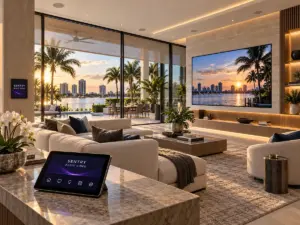
A sophisticated media room should not require a complicated startup routine. One-touch control is part of good design. When lighting, shading, audio, video, and climate can be adjusted from a single interface, the room becomes more enjoyable and more likely to be used.
This is especially important in households where multiple family members use the space. If operating the system feels confusing, even premium technology becomes frustrating. Professional integration removes that friction by making the room intuitive from the start.
For larger homes, it can also make sense to tie the media room into broader smart home control. That allows the room to work as part of the property’s entertainment and lifestyle ecosystem rather than as a standalone island of technology.
Plan for Aesthetics and Performance Together
A well-designed media room should feel intentional even when the system is off. Finishes, millwork, speaker concealment, display integration, and cable management all shape the final impression. The room should reflect the quality of the home, not look like an afterthought built around oversized electronics.
This is where custom design becomes especially valuable. Rather than forcing products into a room, the room and the technology are developed together. That approach typically leads to better performance, cleaner installation, and fewer compromises. For homeowners investing in a premium property, that level of planning protects both daily usability and long-term value.
If you are deciding how to design a media room, the smartest move is to think beyond products and focus on experience. The best spaces are not defined by one big screen or one premium speaker brand. They are defined by how effortlessly everything works together. That is where professional guidance makes the difference, and it is why companies like Sentry Audio Video approach media room design as a complete integration project rather than a simple equipment sale.
A media room should feel easy the moment you walk in – comfortable seating, clear sound, controlled light, and technology that responds the first time. When those pieces are planned correctly, the room stops feeling like a collection of components and starts feeling like part of the home.